Features
Messaging
How messaging works
Every Mistress-slave relationship on LEASH has a private 1:1 conversation. This is where everything happens — instructions, tributes, tasks, rules, and daily interaction. Messages are delivered instantly and remain in the conversation history.
Message types
LEASH supports several message formats to make communication rich and expressive:
- Text — standard written messages
- Images — send photos directly in the conversation
- Voice messages — record and send audio clips with waveform playback
- Video messages — record short video clips to send
Voice messages
Voice is one of the most powerful tools in a dynamic. A voice message from your Mistress has 10x the impact of text — it carries tone, authority, and presence.
How to record:
- Tap and hold the microphone button to record, release to send
- Or tap once to start recording, then tap again to stop
Voice messages appear with a visual waveform in the chat. The recipient can play them back at any time.
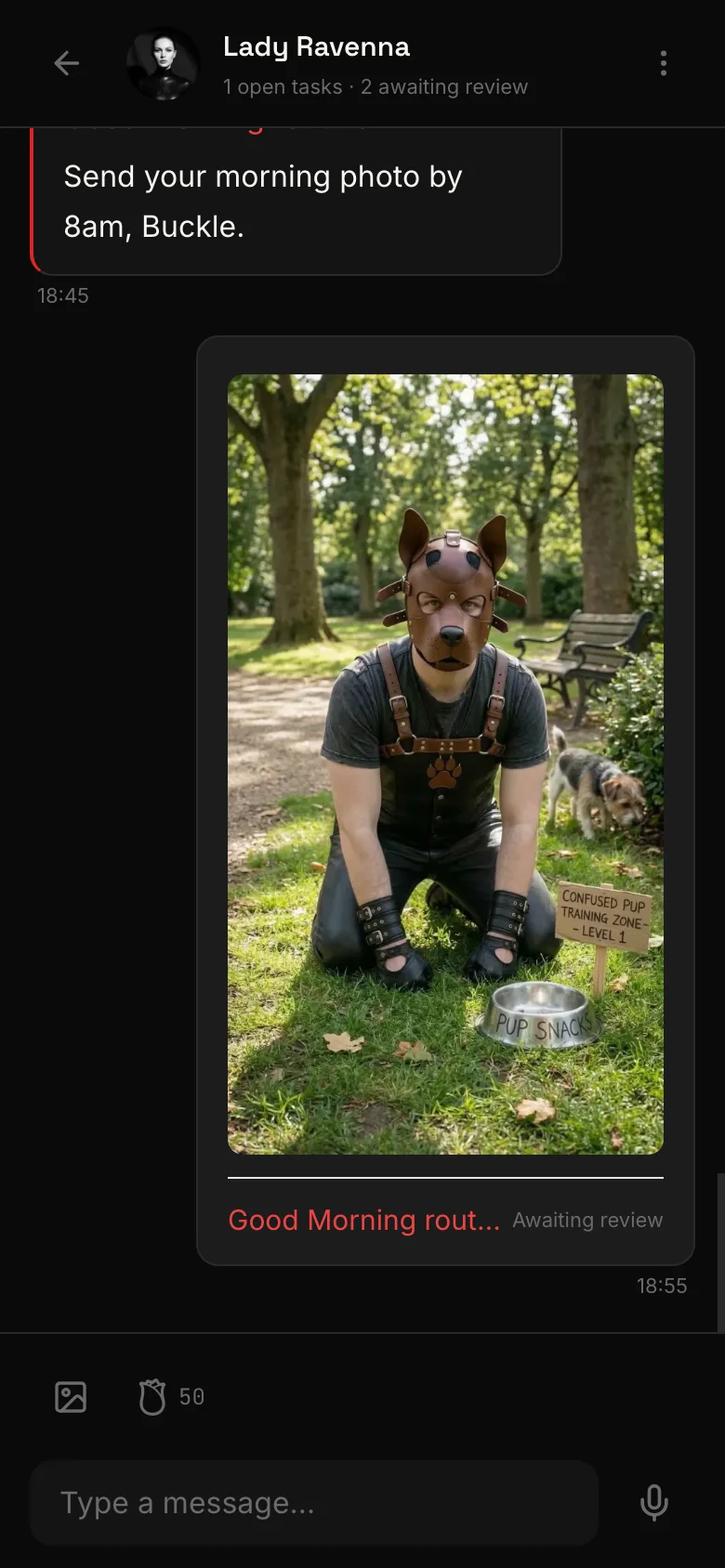
Tribute requests in chat
A Mistress can demand a specific Rose amount directly within the conversation. The tribute request appears as a card in the chat. The slave can fulfill it with a single tap — the Roses are deducted from their balance immediately.
This keeps the power dynamic fluid. No need to leave the conversation or navigate to a separate payment screen.
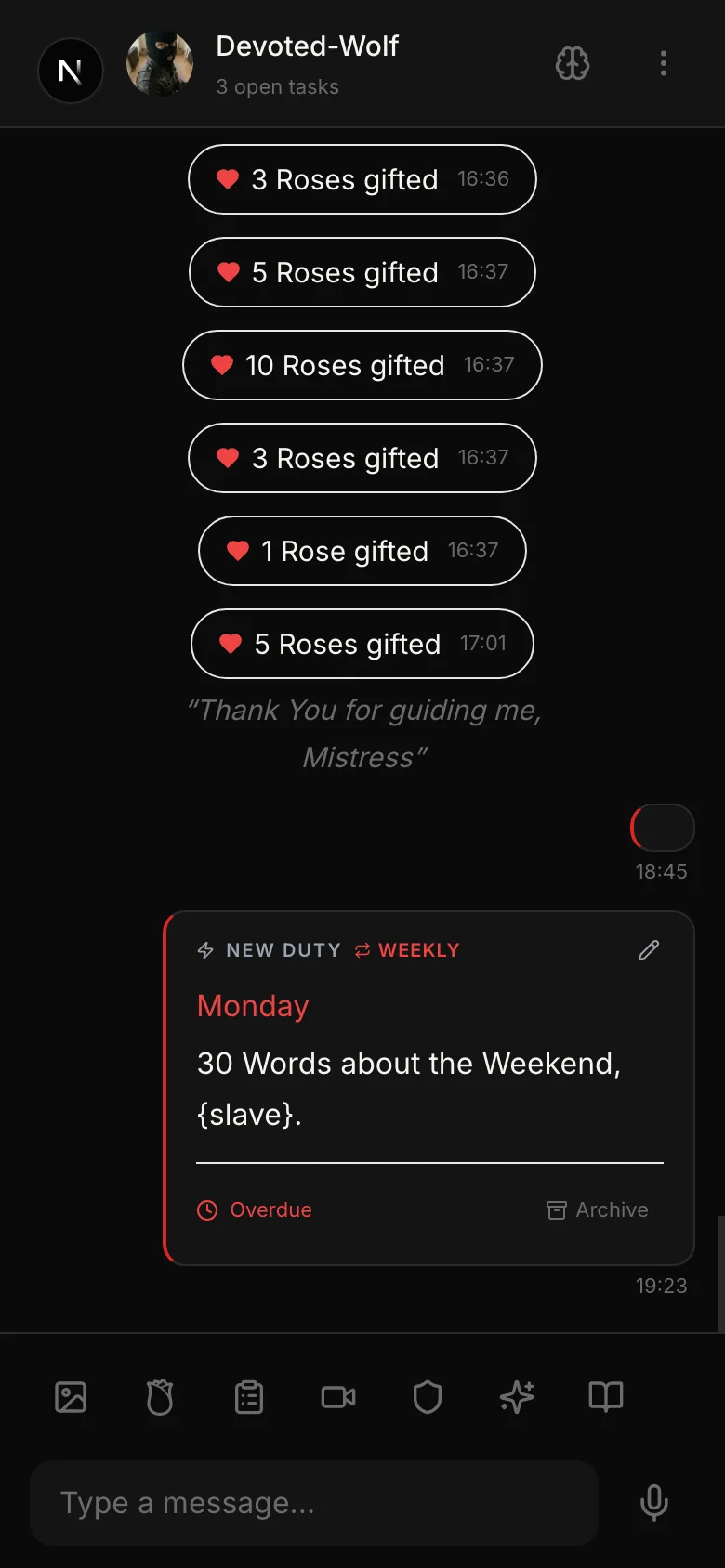
Inline task and rule cards
When a Mistress creates a task or a rule, it appears as an interactive card directly in the conversation. This means the slave sees:
- Task cards — with title, deadline, and a link to view full details or submit proof
- Rule cards — with the rule text and any associated reminders
Everything stays in context, in the flow of the conversation.
Saved messages (Slaves)
Slaves can save important messages for quick reference later. Tap and hold any message, then select Save. Saved messages are accessible from a dedicated section — useful for keeping key instructions, voice notes, or reminders close at hand.
Tips for effective communication
- Mistresses: Use voice and video messages to establish presence. Written instructions are clear, but your voice makes them real.
- Slaves: Read and re-read instructions before acting. Save messages you need to reference repeatedly. Respond promptly — silence is its own message.
Related
Private 1:1 video sessions between Mistress and slave — real-time, face to face, inside the app.
Mistresses assign tasks with deadlines and instructions. Slaves submit proof. Recurring duties repeat automatically.
Mistresses set standing rules. Slaves follow them. Violations are tracked, and compliance is scored.
Your command center for managing all your slaves. Dashboard, activity timeline, notification schedules, and quick actions.
Reusable commands and messages you can deploy in one tap. Text, voice, image, video, and live session templates.
Two AI tools built for Mistresses: the Copilot generates message suggestions, the Living Brief keeps a running summary of each slave.