Features
Tasks & Recurring Duties
What are Tasks?
Tasks are assignments created by a Mistress for her slave. Each task has a title, description, deadline, and optional instructions delivered as text, image, voice note, or video. Tasks can also carry a Rose tribute that the slave pays upon completion.
There are two types of tasks:
- Regular tasks — one-time assignments (e.g., "Write 500 lines," "Send a tribute photo")
- Live Session tasks — a task that leads into a real-time video session
Creating tasks (Mistresses)
- Open the conversation with your slave
- Tap the + menu and select Task
- Fill in the details:
- Title — a clear, short name
- Description — detailed instructions
- Due date — when it must be completed
- Instruction media — optionally attach an image, voice message, or video
- Tribute amount — optionally set a Rose price the slave pays on completion
- Send the task
The slave receives a notification and the task appears both in the chat and in their task list.
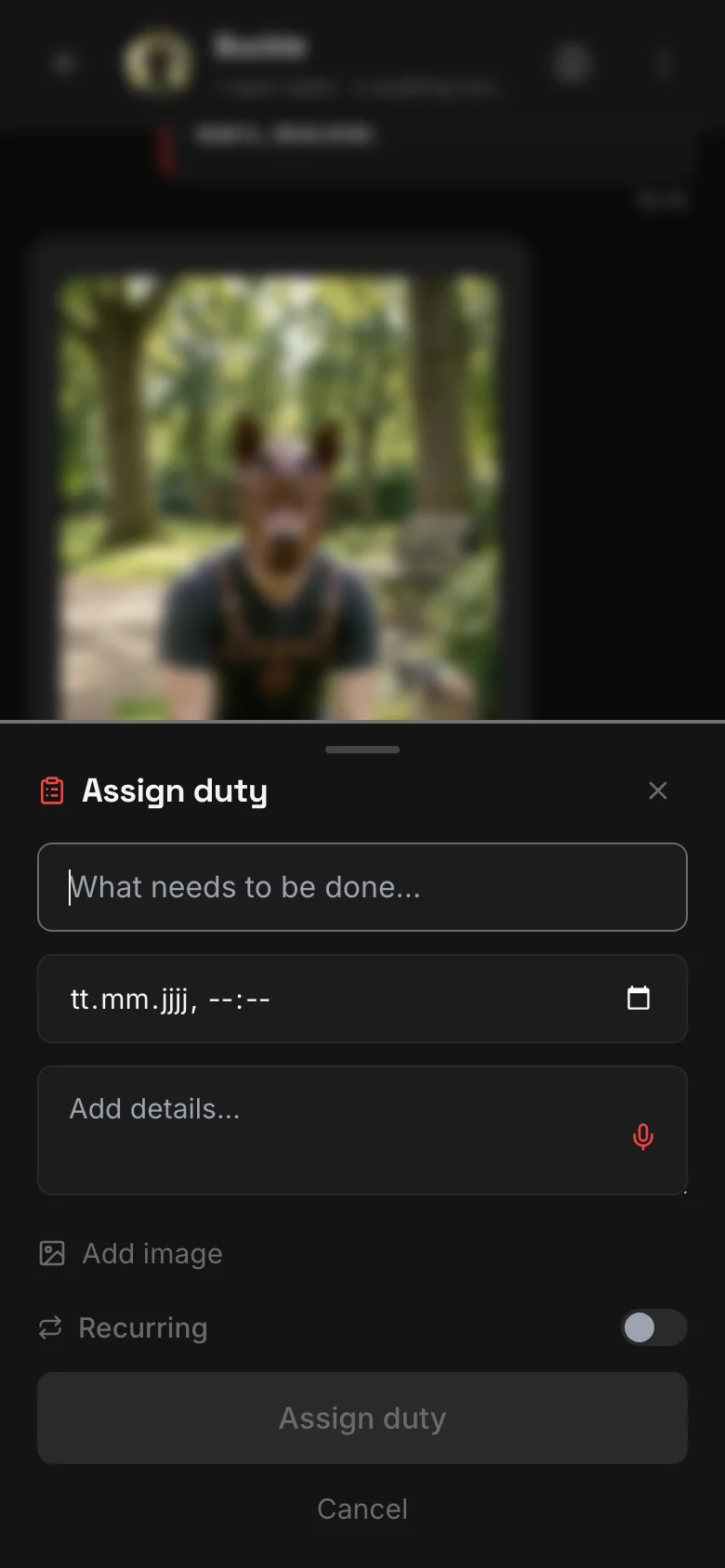
Recurring duties
Some expectations are not one-time — they repeat. Recurring duties let you set a task once and have it automatically re-created on a schedule:
- Daily — spawns every day at the configured time
- Weekly — spawns on a specific day each week
- Monthly — spawns on a specific date each month
Each recurrence creates a fresh task with the same instructions and deadline offset. The slave sees it as a new task to complete each period.
Completing tasks (Slaves)
When you receive a task:
- Read the instructions carefully
- Complete what is asked
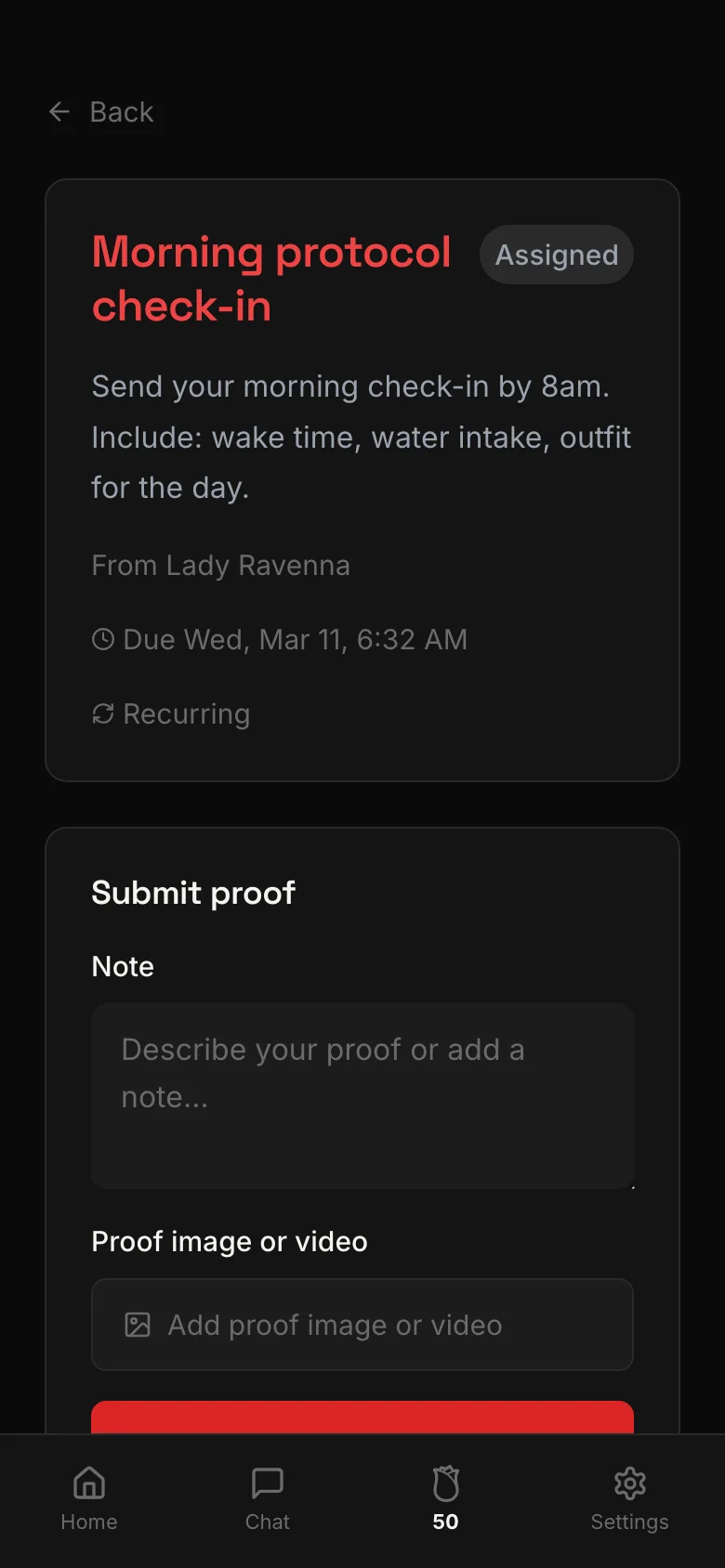
- Tap Submit and attach your proof — a photo or video
- Optionally add a note explaining your submission
- If the task has a tribute, the Roses are deducted from your balance
Task review (Mistresses)
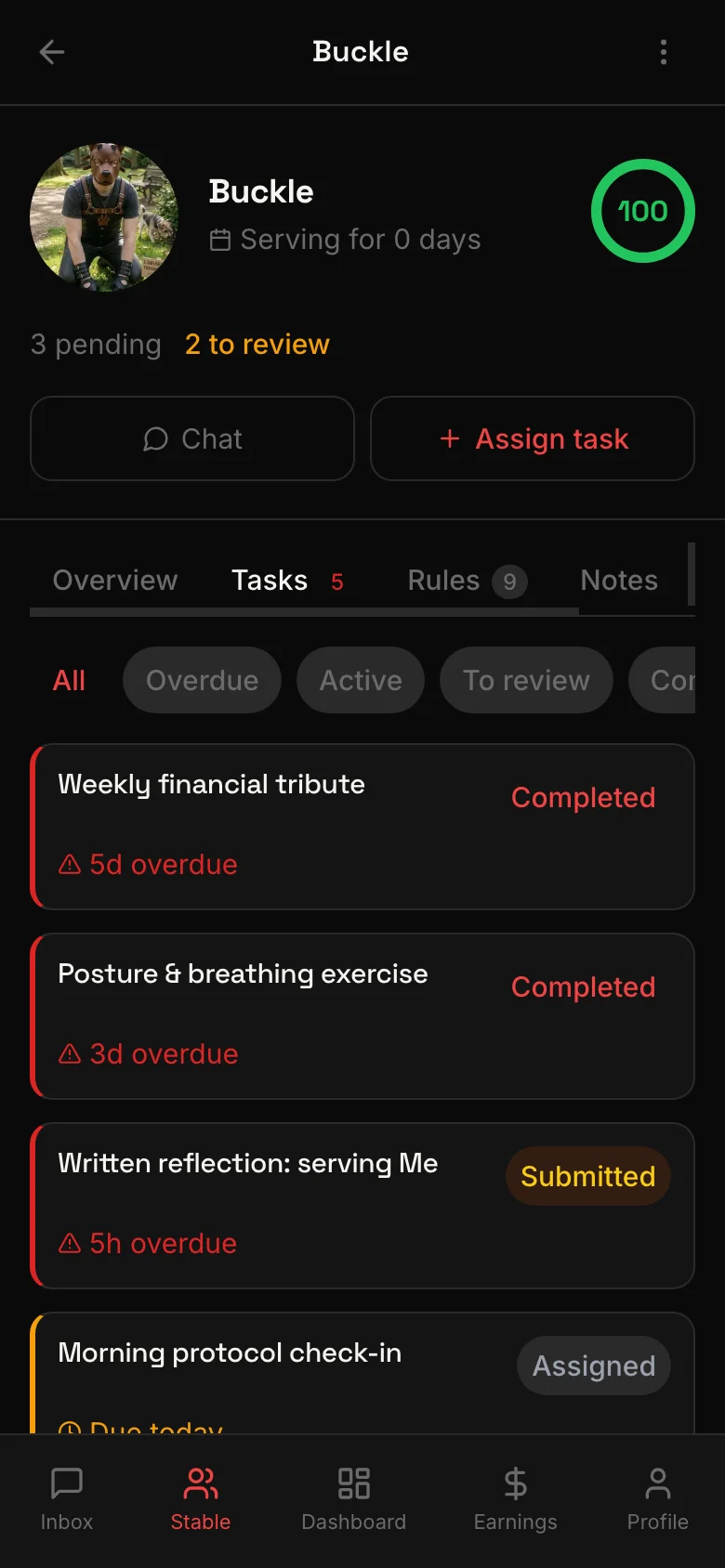
After a slave submits proof, the Mistress reviews the submission:
- Approve — the task is marked as completed
- Reject — the task returns to the slave with notes on what to improve
The slave is notified of the result immediately.
Task statuses
Every task moves through a clear lifecycle:
| Status | Meaning |
|---|---|
| Assigned | Mistress created the task, slave has not yet started |
| Accepted | Slave acknowledged the task |
| Submitted | Slave submitted proof, awaiting review |
| Completed | Mistress approved the submission |
| Rejected | Mistress rejected the submission — slave can resubmit |
Related
Private 1:1 video sessions between Mistress and slave — real-time, face to face, inside the app.
Mistresses set standing rules. Slaves follow them. Violations are tracked, and compliance is scored.
Text, voice, images, and video — all message types in one conversation. Plus tribute requests and saved messages.
Your command center for managing all your slaves. Dashboard, activity timeline, notification schedules, and quick actions.
Reusable commands and messages you can deploy in one tap. Text, voice, image, video, and live session templates.
Two AI tools built for Mistresses: the Copilot generates message suggestions, the Living Brief keeps a running summary of each slave.