Features
Stable Management
What is Stable Management?
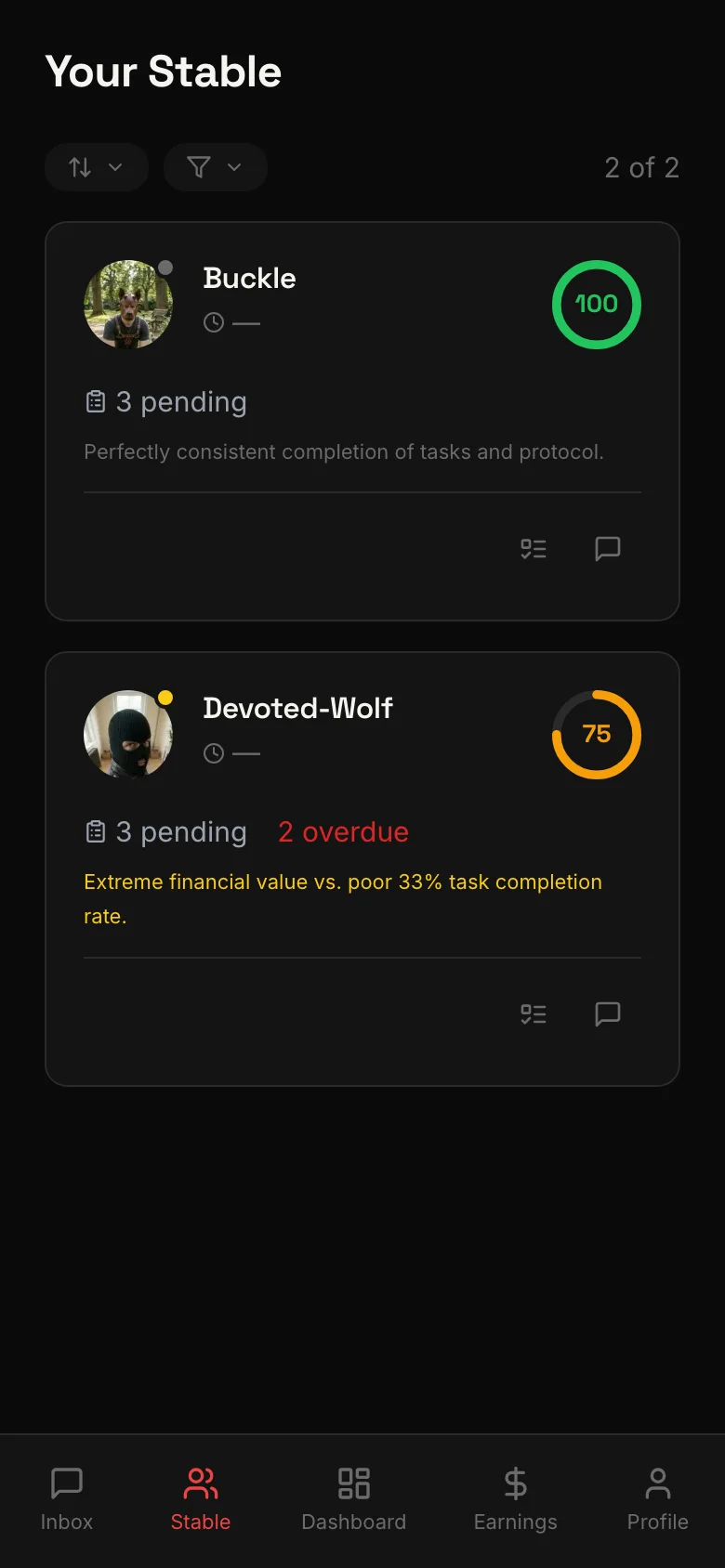
Stable Management is your command center on LEASH. It gives you a single place to oversee all of your slaves — their activity, compliance, tasks, and financial contributions. Whether you manage three slaves or thirty, Stable Management keeps everything organized and within reach.
Dashboard overview
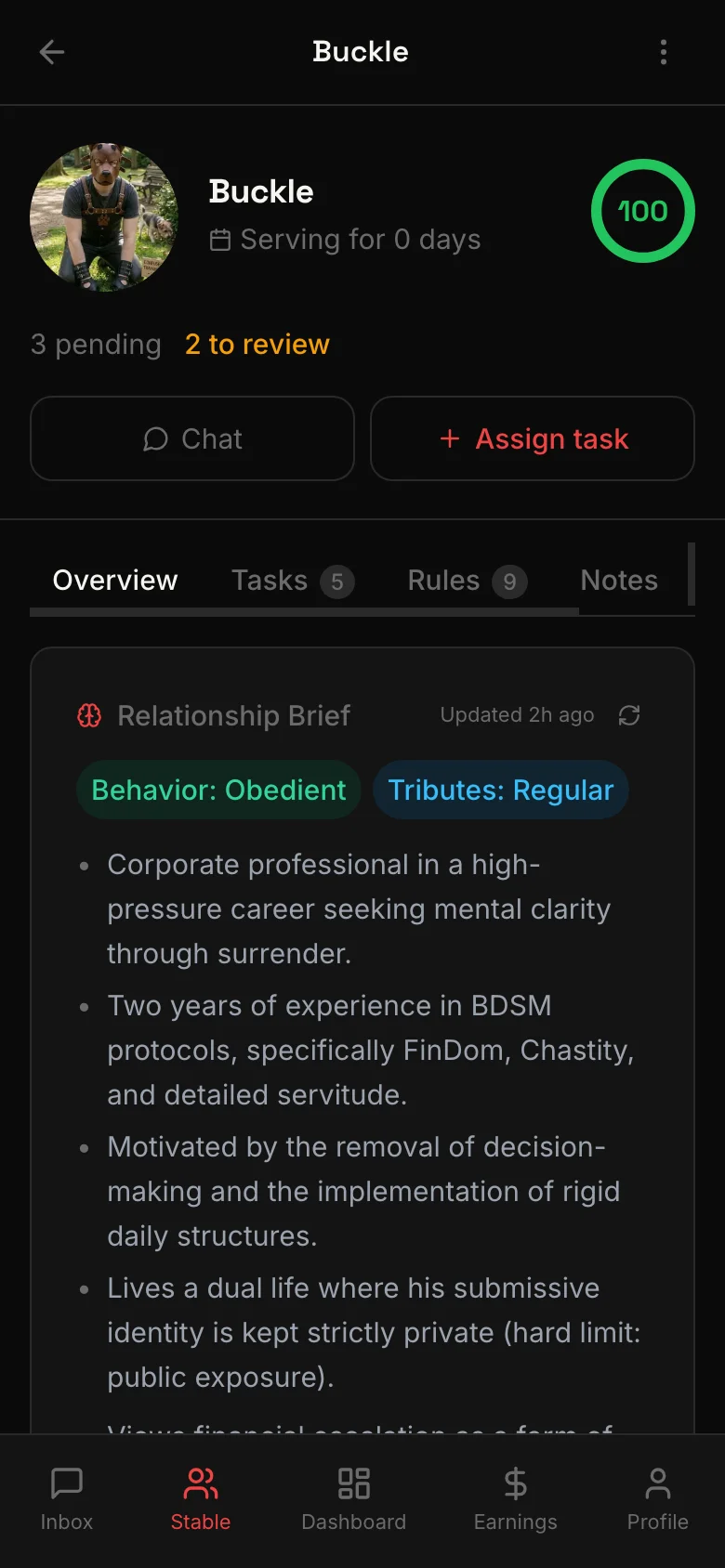
The dashboard shows all your active slaves at a glance. For each slave, you can see:
- Compliance score — a summary of how well they follow rules and complete tasks
- Active tasks — how many tasks are currently assigned and their status
- Subscription status — whether their subscription is active, expiring, or lapsed
- Last activity — when they last interacted with you (message, tribute, task submission)
This gives you an immediate sense of who needs attention and who is performing well — without opening individual conversations.
Activity timeline
The activity timeline is a real-time feed of everything happening across your stable. Events appear as they happen:
- Tributes received — who sent Roses and how many
- Task completions — submissions waiting for your review
- Messages — new messages from your slaves
- Applications — new slaves requesting to serve you
The timeline replaces the need to check each conversation individually. One scroll and you know exactly what is going on.
Notification schedules
One of the most powerful tools in Stable Management is the ability to set up recurring push notifications for your slaves. These are automated messages delivered on a schedule you define.
Common uses:
- Morning devotion — a daily message at 7 AM reminding them of their place
- Evening confession — a nightly prompt to reflect on their obedience
- Weekly rules review — a reminder every Sunday to re-read the rules
How to set one up:
- Go to Stable Management
- Select a slave
- Tap Notification Schedule
- Set the time, days, and custom message
- Save — the notifications will be sent automatically
You can create multiple schedules per slave and adjust or delete them at any time.
Quick actions
From the dashboard, you can take action without navigating away:
- Assign a task — create and send a new task directly
- Send a message — open the conversation in one tap
- Review a submission — approve or reject pending task submissions
These shortcuts keep your workflow fast, especially when managing a larger stable.
Scaling your stable
Stable Management is built for Mistresses who take their role seriously. The tools are designed to work whether you have a handful of slaves or a full roster. Notification schedules handle repetitive communication. The dashboard highlights who needs your attention. Quick actions reduce friction. The more slaves you manage, the more time these tools save you.
Related
Private 1:1 video sessions between Mistress and slave — real-time, face to face, inside the app.
Mistresses assign tasks with deadlines and instructions. Slaves submit proof. Recurring duties repeat automatically.
Mistresses set standing rules. Slaves follow them. Violations are tracked, and compliance is scored.
Text, voice, images, and video — all message types in one conversation. Plus tribute requests and saved messages.
Reusable commands and messages you can deploy in one tap. Text, voice, image, video, and live session templates.
Two AI tools built for Mistresses: the Copilot generates message suggestions, the Living Brief keeps a running summary of each slave.